Logging your dog’s food and water
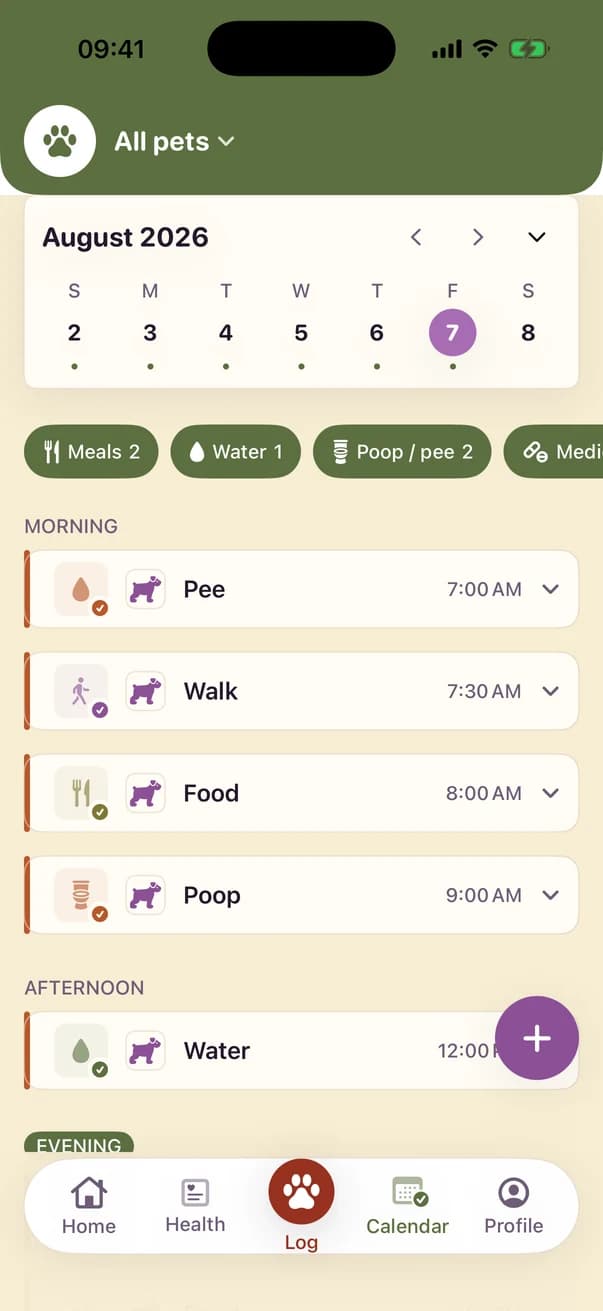
To log a meal in Kwispel you pick a food from your food list, enter the amount in grams, cups or pieces, and say whether your dog ate it all: finished, partial or refused. Water is logged in ml, oz or cups. The calendar then groups meals and water into morning, afternoon and evening.
Written by the Kwispel team. We make Kwispel. Checked against Kwispel 1.5.6 on 25 September 2026. Spotted a mistake? Email [email protected] and we will fix it.
What is in the food list?
The list starts with six general types. Under Profile › Care items you add the food your dog actually eats.
- Kibble and wet food
- Fresh meat
- Snack
- Diet food and supplement
What happens to a refused meal?
Each meal asks “Did they finish?”. A meal logged as refused goes into the Food section of the vet report; ordinary meals stay out, which keeps the report short.
The Health tab counts the meals logged this week or month. The Siri shortcut “Log a meal in Kwispel” works in English and logs for the first dog.
What Kwispel does not do
- It sends no notifications for meals or water, even if you create a routine for them.
- It does not calculate portions or give feeding advice.
Kwispel for iPhone
Your dog’s log, shared with everyone who helps care for them.